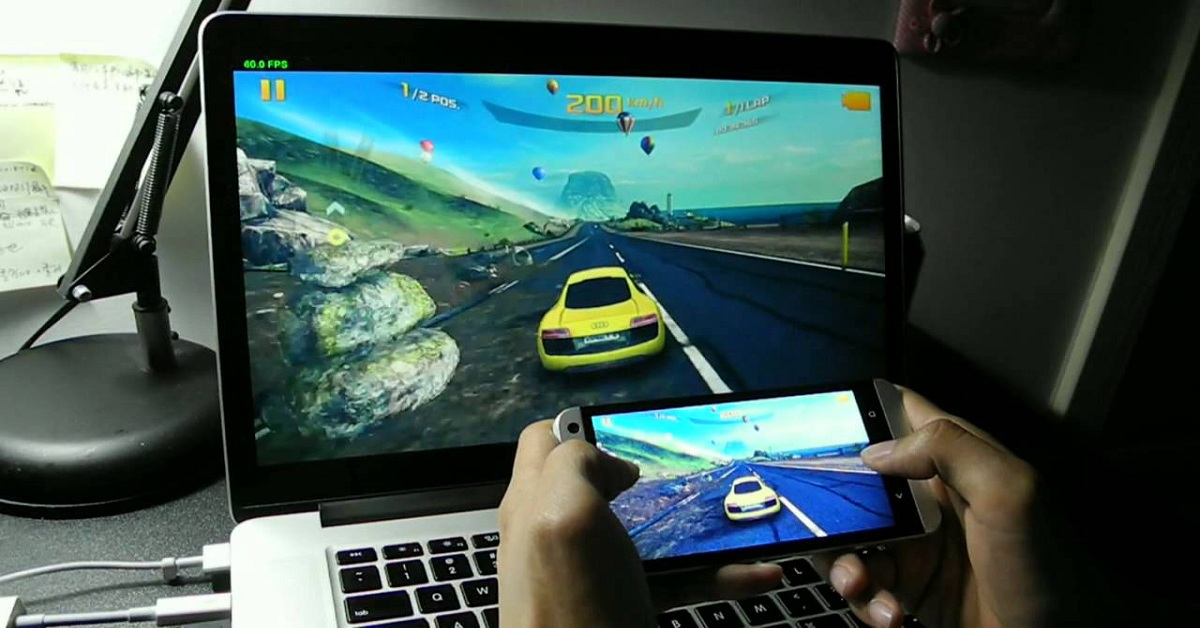
Android is a Linux-based operating system developed mainly for touchscreen mobile devices such as smartphones and tablets. Android Inc. is owned by Google and the first commercially available phone to run Android was the HTC Dream, released on October 22, 2008. The Android Operating System (OS) is named after a deserts:
5.0 –> Lollipop
4.4 –> Kitkat
4.1 –> Jelly Bean
4.0.x –> Ice Cream Sandwich
3.x.x –> Honeycomb
2.3.x –> Gingerbread
2.2 –> Froyo
2.0&2.1 –> Eclair
1.6 –> Donut
1.5 –> Cupcake
A
ADM- Android Debug Bridge.
A tool used to connect and sends commands to your Android phone from a desktop or laptop computer.
AMOLED- Active Matrix Organic Light Emitting Diode.
Basically, a very colorful, bright, display found in some smartphones.
B
BOOTLOADER– An internal mode on a phone that helps in the flashing of ROMs and other behind-the scenes actions.
C
CLOCKWORK- Developer of the ClockworkMod custom recovery mode for Android.
D
DALVIK CACHE– Writable cache- that contains the optimized bytecode of all apk files (apps) on your Android device. Having the information in it’s own cache makes applications load faster and perform
BETTER
.
F
FASTBOOT– Another mode akin to the bootloader, from which you can manually flash low-level components onto a phone.
FC– Short for “force close,” meaning an app that has crashed.
G
GEOTAGGING– Wherein in your phone finds your LOCATION
via GPS and attaches coordinates to pictures you’re taking. Can
be a privacy/security concern.
GOOGLE PLAY– Google’s one-stop online shop for movies, music, apps, games and books. At the time of its launch on March 6, 2012, it basically was a rebranded Android MARKET
.
H
HACK- Modifying the Android system to add customization, features, or bypass carrier and manufacturer restrictions.
HARD RESET- The act of resetting your phone to its “factory” state. Erases all user data, logins and passwords. May or may not erase what’s on the internal storage or microSD card, too.
I
IMEI– Stands for INTERNATIONAL
Mobile Equipment Identity. Basically a unique identification number ASSIGNED
to every phone.
IPS– Stands for “in-plane switching.” Gives better viewing angles and better color REPRODUCTION
. First gained popularity in Apple
displays, then made its way to mobile devices.
J
JIT– The Just-in-Time Compiler. Released with Android 2.2, it’s a method of greatly speeding up apps in Android on the software side.
K
KERNEL– The basic Linux building block of Android. It’s what lets your phone do its thing.
L
LAUNCHER– Collectively, the part of the Android user interface on home screens that lets you launch apps, make phone calls, etc. Is built in to Android, or can be purchased in the Android Market.
N
NFC– Near-field Communication. Short-range communication between your phone and something else — another phone, a cash register, etc. Used by some credit cards as a method of quick payment.
O
OEM– Stands for Original Equipment Manufacturer.
Usually a company that produces a component or entire device for another company. (Example: HTC was the OEM for the Google Nexus One.)
OPEN SOURCE- Software which is liberally licensed to grant the right of users to study, change, and improve its design through the availability of its source code.
OTA– Stands for Over the Air. The act of moving data to your phone — downloading, really — without having to plug it in.
Most Android system updates are OTA, as are application downloads.
R
RESET– The rebooting of the phone. A soft reset is turning your phone OFF and ON, or pulling the battery. A hard reset also is referred to as a factory reset, and wipes your personal information from the device.
ROM– Literally, “Read Only Memory.” In Android, it’s what you load for a major software update. “Custom ROMs” are just that — developed OUTSIDE
CONTROL
of a manufacturer or carrier.
RECOVERY MODE– A small separate operating mode you can boot your device into, used for device administration. Two popular custom recovery modes are Amon Ra and Clockwork.
ROOT– A method of unlocking the Android operating system to allow deeper programs deeper access than is allowed out of the box.
ROOT (SD CARD)– The base folder (or top level) of the card. Often referred to as /sdcard in a file structure.
S
SIDELOAD– The act of installing an app outside of the Android Market.
SOFT RESET– The act of rebooting your phone, whether intentionally or otherwise. Same effect as when you remove and
replace the battery
T
TETHERING– The act of using your smartphone’s data to provide INTERNET
access to another device, such as a laptop. Can be done wirelessly, or via a USB cable.
U
USB– Stands for Universal Serial Bus. Is a method of connecting devices to a COMPUTER
. Most smartphones now use microUSB cables to charge and sync.
V
VANILLA– A term used to describe STOCK
Android.
W
WIDGET– A slice or certain view of an application that can be placed on one of your homescreens, for quick and easy access.
WIPE– To COMPLETELY
erase a device